Maybe* + Fireflies
AI-powered meeting insights that keep your transcripts connected to the rest of your workflow.
Work faster and reduce follow-up admin with the Maybe* + Fireflies integration.
Maybe* connects to Fireflies, retrieves transcripts and account users, and makes that information available to your Agents so they can summarise, route, and act on your meetings automatically.
Your team shouldn’t have to dig through Fireflies to find the right transcript. When you link Fireflies to Maybe*, your Agent understands who’s involved, which meetings matter, and what to do with the information.
What is Fireflies?
Fireflies is an AI meeting assistant that records, transcribes, and indexes calls so teams can search, analyse, and share insights from conversations.
Maybe* makes Fireflies operational.
Your transcripts become connected.
Your follow-ups become consistent.
Your meeting knowledge becomes usable across tools.
What Maybe and Fireflies Can Do Together
The Maybe* + Fireflies integration unlocks AI-powered workflows around your meetings and transcripts.
With the current Fireflies plugins, your Agent can:
Fetch Fireflies account users
Personalise interactions, route follow-ups, or generate user-specific summaries.Fetch Fireflies transcript details
Pull full transcript content for analysis, summarisation, or downstream actions.Fetch Fireflies transcript IDs with filters
Find the right meetings by user and date before deciding what to do with them.
Maybe* uses these plugins automatically. You don’t choose actions manually, your Agent selects the right Fireflies operation based on your request.
What These Functions Mean in Real Life
Your meeting transcripts become actionable
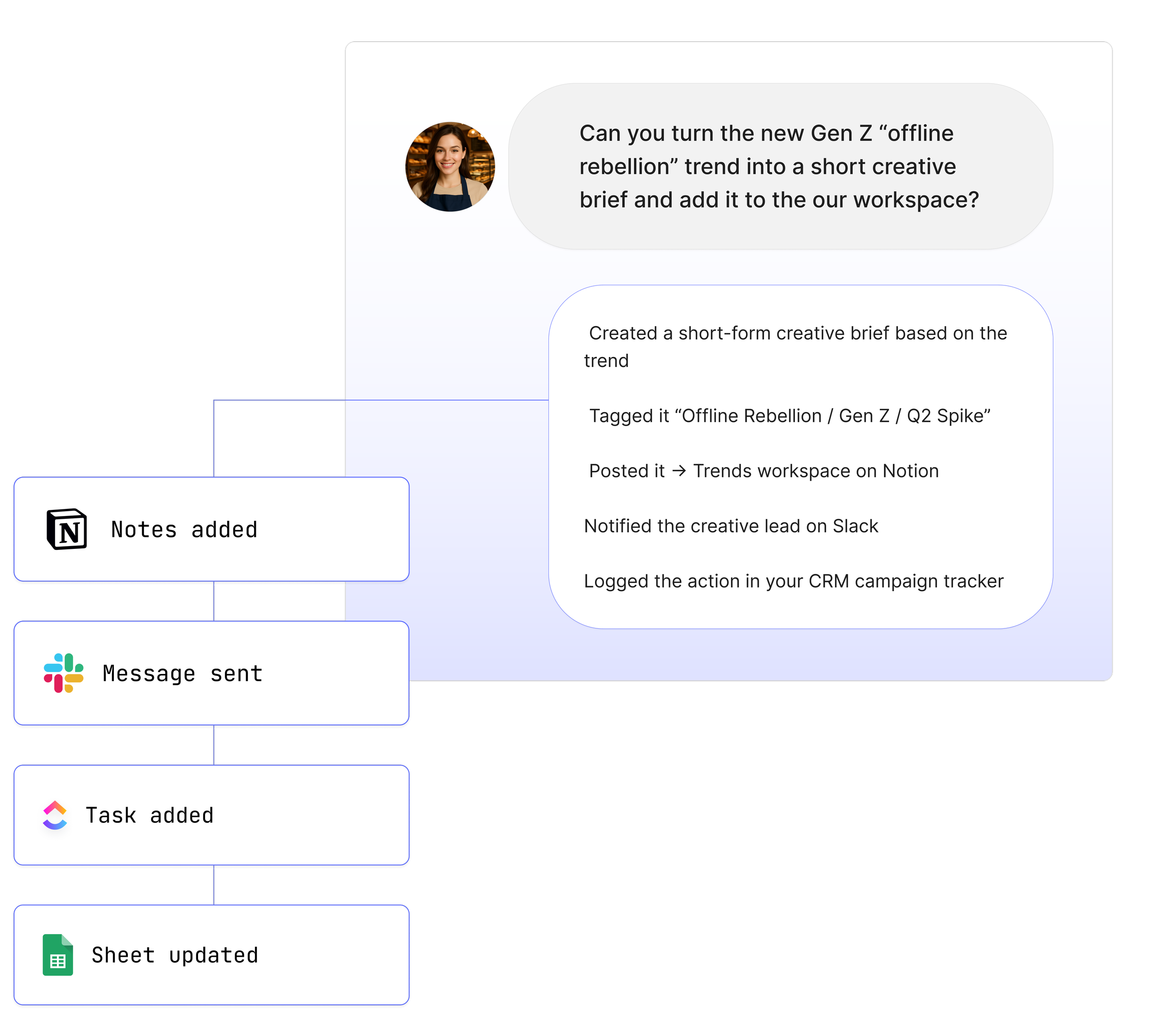
Maybe* can pull the right Fireflies transcripts and turn them into summaries, tasks, or messages.
Your team avoids manual transcript digging
No more searching Fireflies by hand. Your Agent finds the right meeting based on people, date, or context.
Your follow-ups become consistent
Maybe* can generate follow-up notes, emails, or Slack summaries from Fireflies transcripts on demand.
Real Use Cases
1. Summarise key customer calls automatically
“@Maybe summarise my last three customer calls from Fireflies.”
Your Agent fetches the transcript IDs you need, retrieves the full transcripts, and creates a clear summary your team can use immediately.
2. Route meeting insights to Slack or Microsoft Teams
“@Maybe pull my last product sync from Fireflies and share a summary in the product channel.”
Your Agent retrieves the transcript details and posts a focused update in Slack or Teams, so your team stays aligned.
3. Personalise follow-ups based on the people involved
“@Maybe get transcripts for my calls this week with Jess and create follow up notes.”
Your Agent uses Fireflies account users and filtered transcript IDs to find the right meetings and generate tailored follow ups..
See How Teams Like Yours Are Using Maybe* Integrations


Requirements for Fireflies
Setup takes less than a minute. You’ll need:
A Maybe* account
A Fireflies account
Permission to connect Fireflies with API access to transcripts and users
Once connected, your Agent can use Fireflies data as part of any workflow.
Advanced Workflow Examples
Here are powerful multi-step workflows teams can automate when combining Fireflies with Maybe* and other integrations:
Fetch Fireflies transcript IDs → retrieve full transcript → summarise → post highlights in Slack
Pull Fireflies transcripts → extract action items → create tasks automatically in Monday.com or ClickUp
Fetch Fireflies user-specific transcripts → generate personalised follow-up emails → send via Gmail
Retrieve a Fireflies transcript → extract insights → update a Notion meeting notes document
Search Fireflies transcripts by date → compile key themes → publish a weekly insights report
Your Agent interprets each step and selects the right action, no code required.
How to Integrate Fireflies
Getting started with Fireflies and your AI Agents
Click ‘Configure’ in the top toolbar.
Select integrations.
Search for Fireflies.
Click the "Connect" button next to Fireflies, which will open a pop-up window.
In the pop-up, you will be prompted to enter your Fireflies API key.
Open a new browser tab and log in to your Fireflies account.
Navigate to "Settings" and then "Developer Settings" to find your API key.
Copy the API key and return to the pop-up window.
Paste the API key into the designated field and click the "Connect" button.
Upon successful connection, you will receive a confirmation message, and your Fireflies account will be linked.
The integration is account-level, meaning it is accessible to all users within the account once connected.
About Maybe*
Maybe* connects to the tools your team uses every day so AI can support real work from start to finish. You can use Maybe* directly, or work from Slack or Microsoft Teams. No matter where your team collaborates, our AI Agents bring the right context, choose the right actions, and keep work moving without delay.
Maybe* is powered by our patent-pending AI Agent Builder. It allows you to deploy Agents that automatically select the best integration for each request. You do not need to configure complex flows or link systems by hand.
You can begin with one AI Agent and a few important integrations. Add more as your needs grow. Maybe* expands with your business and supports everything from simple tasks to fully connected workflows across all your tools.