Maybe* + Fathom
AI supported meeting insights that keep your Fathom recordings connected to the rest of your workflow.
Maybe* connects to Fathom so your team can access transcripts, meeting details, summaries, action items, and CRM matches without digging through tools. Your Agent can fetch Fathom transcripts and meeting records and send them wherever your team works.
Your team should not need to search through Fathom to find the right call. When you connect Fathom to Maybe*, your Agent understands what you are looking for, retrieves the meeting, and helps you act on it quickly.
What is Fathom?
Fathom is an AI meeting assistant that records calls, generates transcripts, and highlights key moments. It helps teams capture summaries, action items, and insights from customer, product, and internal meetings.
Maybe* makes Fathom part of your daily workflows. Your meetings become easy to use. Your follow-ups are more consistent. Your team has clearer insight into what was said and what needs to happen next.
What Maybe and Fathom Can Do Together
The Maybe* + Fathom integration gives AI direct access to meeting content so your team can move faster.
Your Agent can:
Fetch Fathom transcripts from recordings
Send transcripts to a URL or downstream system
List Fathom meetings with filters
Access summaries, action items, and CRM matches
Use transcript content in follow-ups, notes, and updates in other tools
Your Agent chooses the right Fathom action automatically. You do not have to manage plugins or design flows.
What These Functions Mean in Real Life
Your meeting recordings become usable data
Maybe* pulls transcripts and key details from Fathom and makes them available where you work.
Your team avoids repeated manual note-taking
Your Agent can use Fathom transcripts to generate summaries, action items, and follow-ups.
Your meetings connect to the rest of your stack
Fathom data can flow to Slack, Teams, CRM, project tools, and documentation through your Agents.
Real Use Cases
1. Turn Slack or Teams conversations into Fathom-powered summaries
“@Maybe summarise my last Fathom meeting and share the highlights here.”
Your Agent retrieves the Fathom transcript and posts a clear summary into Slack or Teams.
2. Create follow-ups from Fathom recordings
“@Maybe use my last Fathom call to create a follow-up note for the team.”
Your Agent fetches the meeting details and turns them into a structured update.
3. Send Fathom transcripts to other tools
“@Maybe send this Fathom transcript to our internal URL for processing.”
Your Agent uses the Fathom transcript and delivers it to your chosen endpoint.
4. Prepare for your next customer call
“@Maybe summarise my last few Fathom meetings with this customer.”
Your Agent lists the relevant meetings and provides a concise view of what was discussed.
5. Align notes across Slack, Teams, and CRM
“@Maybe get the Fathom summary from my last meeting and prepare text for our CRM.”
Your Agent pulls the meeting insight and helps you keep your systems aligned.
See How Teams Like Yours Are Using Maybe* Integrations


Requirements for Fathom
Setup is simple. You will need:
A Maybe* account
A Fathom account
Permission to connect Fathom with access to recordings and transcripts
Advanced Workflow Examples
Fetch Fathom transcripts and share clean summaries in Slack or Teams
Use Fathom meeting details to create tasks in ClickUp or Monday
Send Fathom transcripts to a custom URL and trigger n8n flows
Summarise Fathom meetings and update a Notion or Google Doc
Combine Fathom transcripts with CRM data to prepare account briefs
Your Agent understands each step and selects the correct Fathom action, so your team can focus on decisions instead of administration.
How to Integrate Fathom
Navigate to the ‘Configure’ page at the top of your platform interface.
Go to the "Integrations" section.
Scroll down or use the search function to find "Fathom."
Click on "Connect" next to Fathom.
A pop-up will appear prompting you to enter your Fathom API key.
Enter your API key and click "Connect."
Once connected, a success message will confirm the integration is complete.
Learn More →
About Maybe*
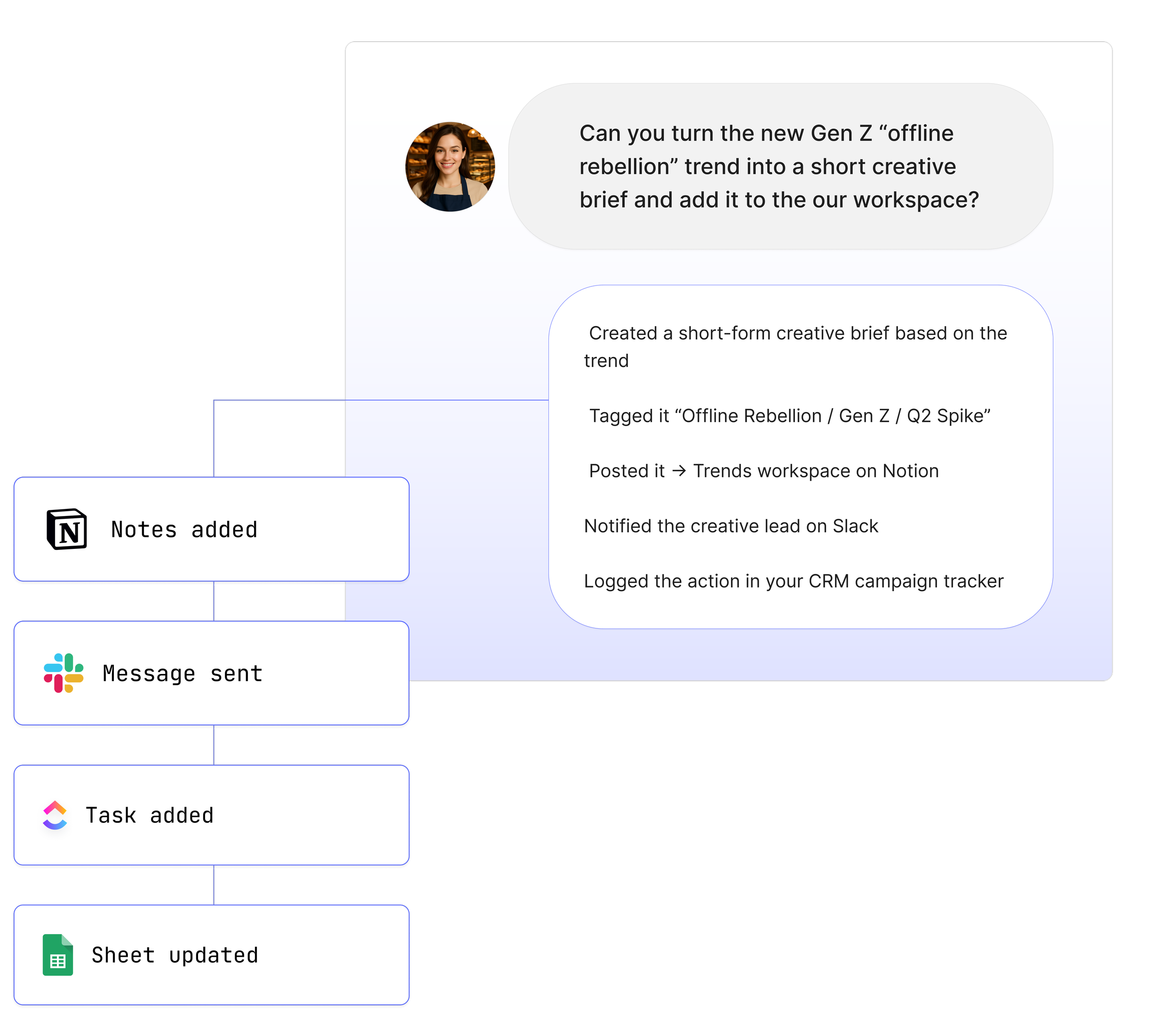
Maybe* connects with the systems your team uses every day so AI can complete real work from beginning to end. You can use Maybe* directly, or work from Slack or Microsoft Teams. Wherever your team collaborates, our AI Agents bring the right context, take the right steps, and keep work moving.
The patent-pending AI Agent Builder inside Maybe* creates Agents that select the best integration for each task. There is no need to join tools together or manage complicated flows.
Start with one AI Agent and a few key integrations. Add more as your needs grow. Maybe* grows with your business and supports everything from simple tasks to full workflows across your tools.