Maybe* + Microsoft Teams
AI-supported collaboration that keeps your team aligned and working faster.
Maybe* connects your AI Agents to Slack so your team can access insights, ask questions, manage work, and automate everyday tasks without leaving the app. Slack becomes the central place where your Agents communicate, support your workflow, and keep information moving.
Maybe* becomes part of your team the moment it joins Slack. There is no learning curve. Your team should not have to switch tools to collaborate with AI. When you connect Slack to Maybe*, your Agents understand the context of your conversations and respond with the right information at the right time.
What is Microsoft Teams?
Microsoft Teams is a communication and collaboration platform used for chats, channels, meetings, and project updates. It brings people together and supports secure, organised communication across your organisation.
Maybe* brings AI into Teams so your team can work with more clarity. Your conversations stay informed. Your workflows run faster. Your updates become smarter.
What Maybe* and Teams Can Do Together
The Maybe* + Teams integration gives your Agents a direct connection to your team conversations.
Your Agent can:
Answer questions in Teams
Share summaries, insights, and updates in chats and channels
Automate reports and notifications
Retrieve information from your connected tools
Support team and customer conversations
Keep projects and tasks aligned across systems
Your Agent chooses the correct actions automatically so your team can focus on real work.
What These Functions Mean in Real Life
Seamless communication
Your team can talk with your AI Agents directly in Teams. Updates, answers, and insights appear instantly in chats or channels.
Boosted productivity
Your Agents automate routine work such as reporting, scheduling, and documentation. Your team can move faster with fewer manual steps.
Smarter collaboration
Your Agents can post summaries, recommendations, and alerts into the channels where your team makes decisions.
Real Use Cases
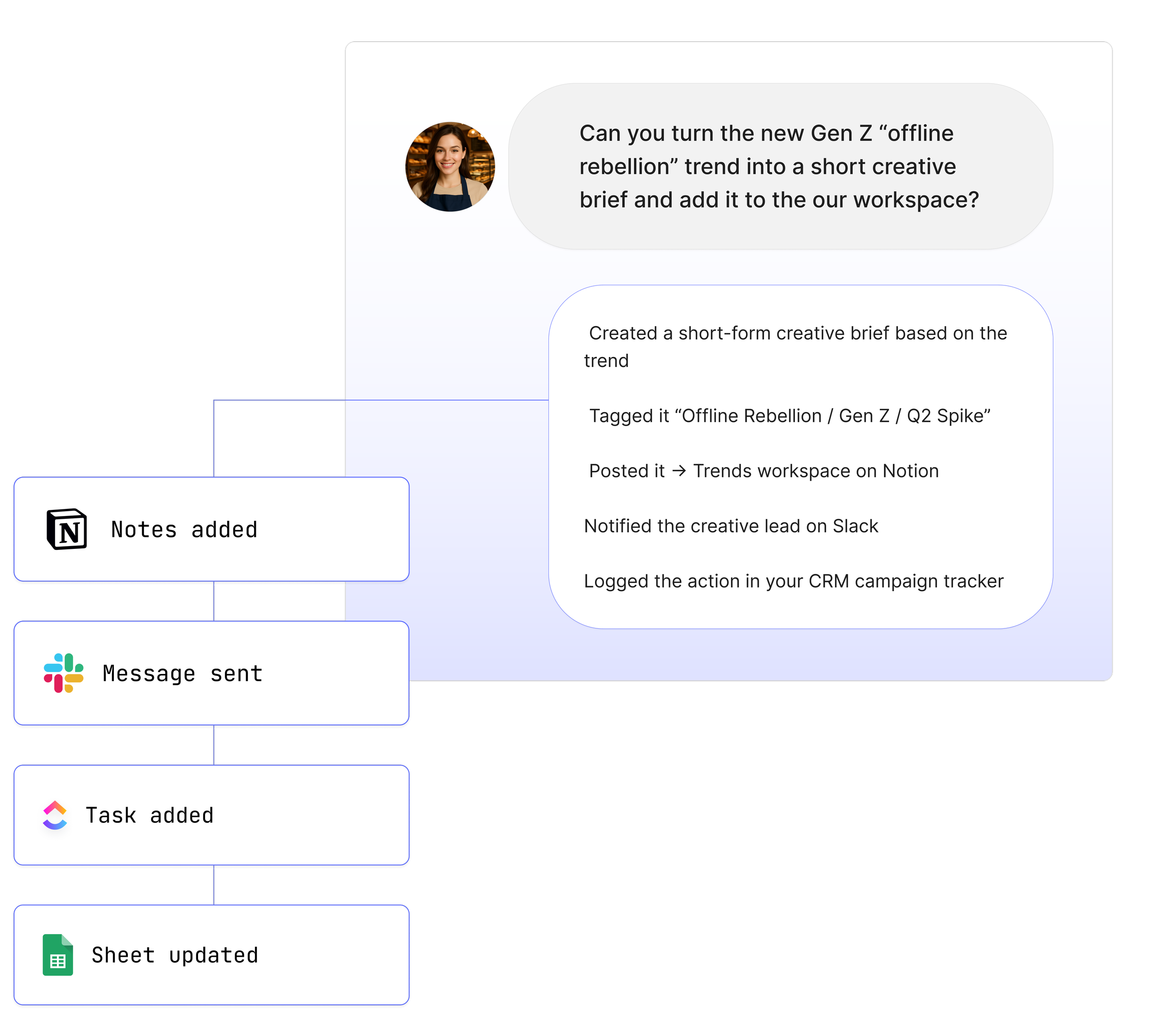
1. Ask your Agent questions directly in Teams
“@Maybe summarise the latest project updates for the team.”
Your Agent retrieves the right information and posts it where people are working.
2. Create automated reports inside Teams
“@Maybe create a weekly progress update and post it here.”
Your Agent prepares a digest and shares it with your team.
3. Turn Teams conversations into actions across your tools
“@Maybe create a new task from this message.”
Your Agent extracts the context and updates ClickUp, Monday.com, or any connected tool.
4. Prepare follow-ups after meetings
“@Maybe summarise our last meeting and share the action items.”
Your Agent pulls the right content and delivers it to the channel.
5. Notify your team of important changes
“@Maybe notify this channel when this document or task changes.”
Your Agent monitors connected tools and posts updates automatically.
See How Teams Like Yours Are Using Maybe* Integrations

Requirements for Microsoft Teams
Setup is simple. You will need:
A Maybe* account
A Microsoft Teams account
Permission to install the Teams application
Your users can then work with your Agents directly in Teams.
Advanced Workflow Examples
Retrieve transcripts from Fireflies or Fathom and post highlights in Teams
Create tasks from Teams messages and notify project channels
Pull data from Google Sheets and share a summary in Teams
Generate customer updates and post them to shared channels
Trigger n8n flows from Teams using Agent outputs
Your Agent understands each step and selects the right action so your team does not need to manage complex processes.
How to Integrate Microsoft Teams
If your organisation already allows custom apps, you can upload the Maybe* app straight away. If not, an admin will need to enable custom apps first.
Quick setup
Open Microsoft Teams.
Go to Apps.
Select Manage your apps.
Choose Upload an app.
Upload the Maybe* Teams app file.
Add it to the channel where your team will use it.
Go to Configure in Maybe* and connect the Teams integration.
Need admin approval?
Some organisations require admin access to enable custom apps.
Learn More →
About Maybe*
Maybe* connects with the systems your team uses every day so that AI can complete real work from start to finish. You can use Maybe* directly, or work from Slack or Microsoft Teams. Wherever your team collaborates, our AI Agents bring the right context, take the right steps, and keep work moving.
The patent-pending AI Agent Builder inside Maybe* creates Agents that select the best integration for each task. There is no need to join tools together or manage complicated flows.
Start with one AI Agent and a few core integrations. Add more as your organisation grows. Maybe* supports everything from simple tasks to full workflows.