Maybe* + Klaviyo
AI-supported marketing insights that help your team understand profiles, flows, segments, events, and campaigns with less manual effort.
Maybe* connects to Klaviyo so your team can retrieve profile data, pull templates, access campaign metrics, analyse flows, fetch events, and understand segments in one place. Your Agent can pull the right Klaviyo data at the right moment and use it to create content, personalise messages, or support downstream workflows in other tools.
Your team should not need to switch tools to collect marketing details. When you connect Klaviyo to Maybe*, your Agent understands your request, fetches the required campaign or profile data, and helps you act on it quickly.
What is Klaviyo?
Klaviyo is a marketing automation platform used by e-commerce and digital teams to send targeted emails, track customer behaviour, and measure campaign performance. It helps teams personalise messages and build meaningful customer journeys.
Maybe* makes Klaviyo more intelligent.
Your marketing data becomes easier to use.
Your insights arrive faster.
Your workflows become smoother.
What Maybe and Klaviyo Can Do Together
The Maybe* + Klaviyo integration gives AI access to your core marketing data so your team can work faster and make smarter decisions.
Your Agent can:
Fetch detailed profile data by ID
Retrieve templates, campaign messages, and flow messages
Access campaign analytics like clicks, opens, and conversions
List campaigns, metrics, segments, and forms
Collect event data for reporting
Render Klaviyo email templates with real context
Analyse trends for marketing performance
Your Agent chooses the right Klaviyo action automatically. You do not configure flows or pick plugins.
What These Functions Mean in Real Life
Your marketing data becomes easy to use
Maybe* can fetch the right profiles, flows, events, or campaigns without searching inside Klaviyo.
Your team avoids repeated admin
Your Agent collects the right information and shares it where your team works.
You get insights instantly
No dashboard hopping. Maybe* helps you make faster decisions with accurate data from Klaviyo.
Real Use Cases
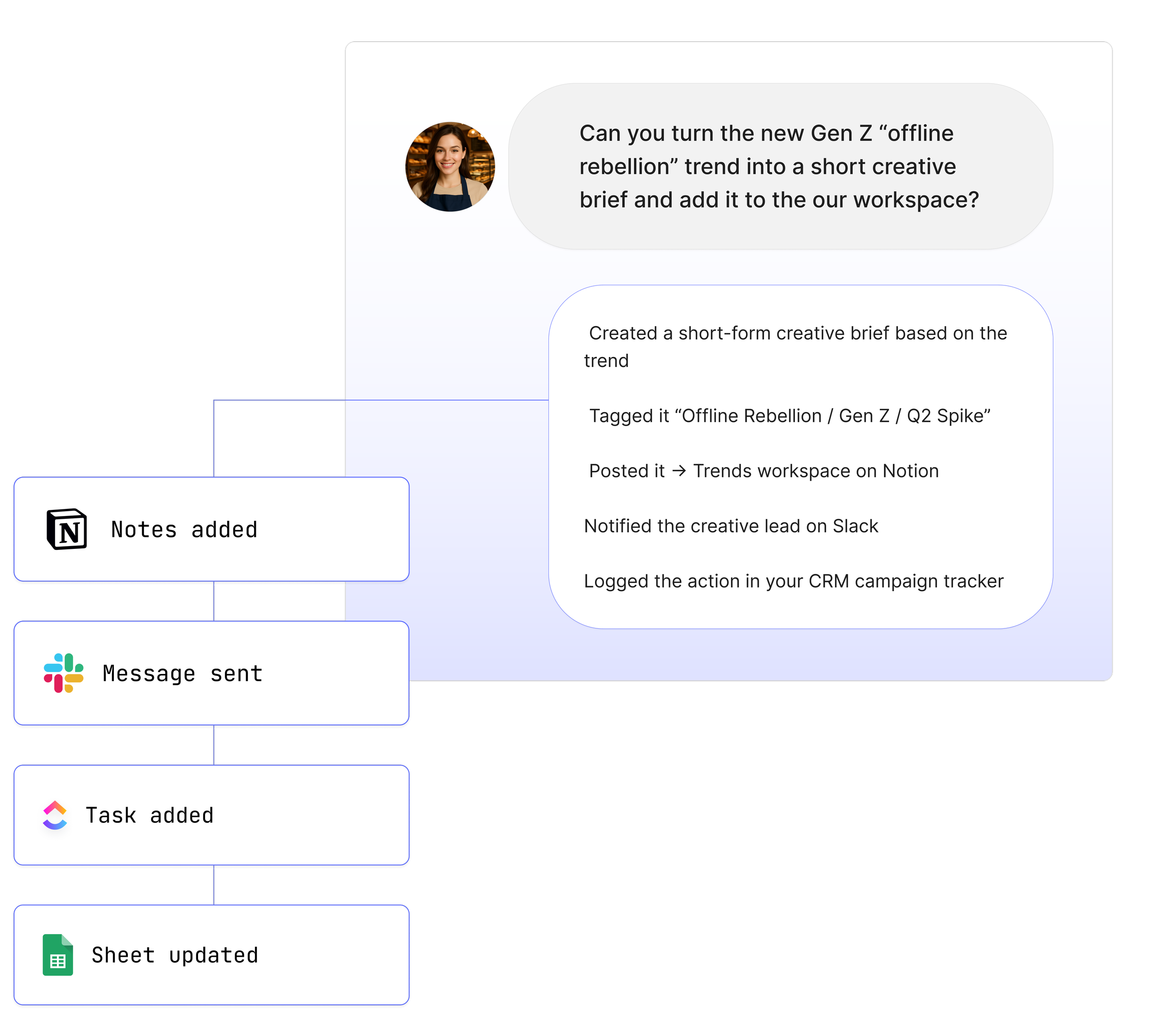
1. Turn Slack or Teams conversations into Klaviyo insights
“@Maybe pull the latest campaign metrics from Klaviyo and share them here.”
Your Agent retrieves campaign analytics and posts clear results into Slack or Teams.
2. Use Klaviyo profile data to create personalised content
“@Maybe fetch the profile for this email and help me write a personalised message.”
Your Agent retrieves the profile details and uses them to support email creation.
3. Review campaign performance without opening Klaviyo
“@Maybe pull the open and click data for our last campaign.”
Your Agent fetches analytics so your team can make decisions quickly.
4. Analyse segments for targeting
“@Maybe get the segments linked to this customer and summarise them.”
Your Agent retrieves segment data and provides a clear overview.
5. Prepare templates for campaigns
“@Maybe fetch the template for this campaign so I can update the copy.”
Your Agent retrieves the template and helps you work faster.
See How Teams Like Yours Are Using Maybe* Integrations


Requirements for Klaviyo
Setup takes less than a minute. You need:
A Maybe* account
A Klaviyo account
An API key with access to profiles, templates, campaigns, metrics, segments, and events
Advanced Workflow Examples
Pull Klaviyo campaign data to summarise performance and share in Slack or Teams
Fetch Klaviyo profile information to personalise a Notion document
Retrieve Klaviyo templates and prepare content for design reviews
Sync Klaviyo campaign updates with Teams channel
Trigger deeper logic in n8n with Klaviyo analytics and segment data
Your Agent understands each step and chooses the correct Klaviyo action so you do not manage flows yourself..
How to Integrate Klaviyo
Click ‘Configure’ in the top toolbar.
Select integrations.
Search for Klaviyo.
Click on 'Connect’.
A pop-up page will appear asking for your Klaviyo API key.
Open a new tab and log into your Klaviyo account.
In your Klaviyo account, select 'Settings' from the left-hand navigation at the bottom.
Navigate to 'API Keys'.
Create a private API key by selecting the 'Create' button.
Name the API key, e.g., "AI Agents", to identify its purpose.
Copy the newly created API key.
Return to the pop-up page and paste the API key.
Select 'Connect' to complete the integration.
About Maybe*
Maybe* connects with the tools your team uses every day so AI can complete real work from beginning to end. You can use Maybe* directly, or work from Slack or Microsoft Teams. Wherever your team collaborates, our AI Agents bring the right context, take the right steps, and keep work moving.
The patent pending AI Agent Builder inside Maybe* creates Agents that select the best integration for every task. There is no need to join tools together or manage complicated flows.
Start with one AI Agent and a few core integrations. Add more as your needs grow. Maybe* scales with your business and supports everything from simple tasks to full workflows across your tools.